A different game on every screen
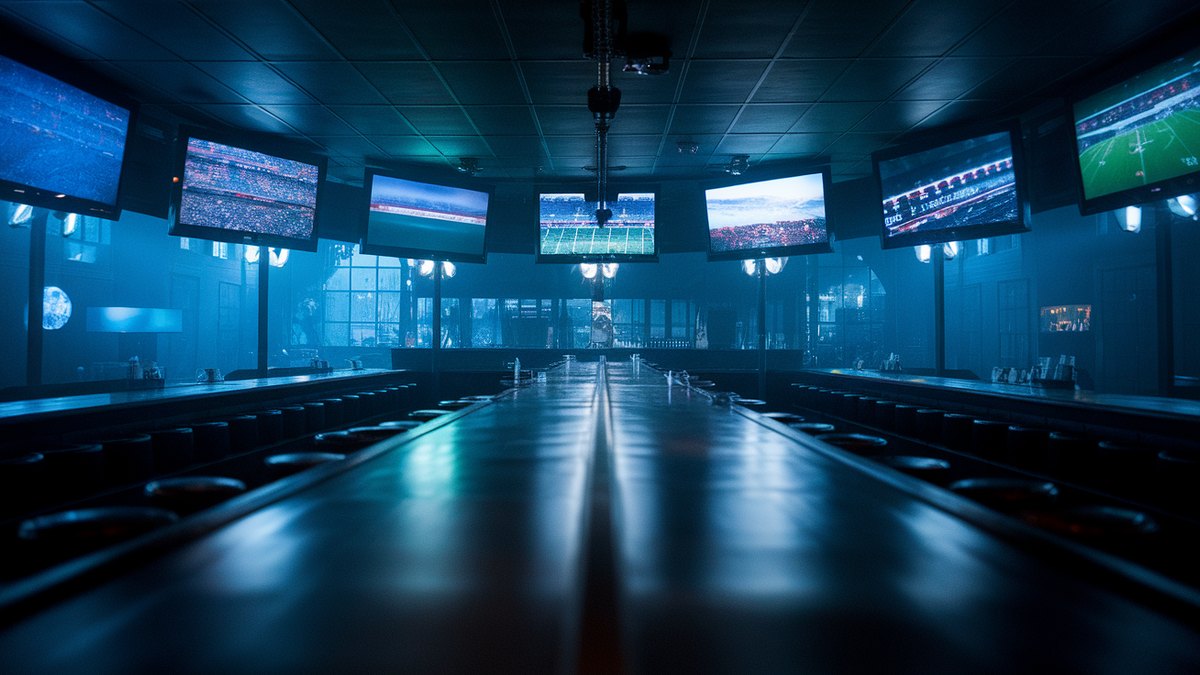
A bar with six screens on a Sunday should be showing six games. It usually shows one game six times, because arranging the other five is a job nobody has time for at one o'clock.
Here is the job, done by hand. Find out which games are on. Find out which channel carries each one, which on most providers means a local station in the home team's city, not the network you would guess. Work out which of those channels you actually have. Put the first one on the first TV. Repeat five more times, with a remote, while the room fills up.
It is not hard. It is just long, and it lands at the worst possible moment of the week.
What Game day does
Press the Game day button on the Screens page, or tell the agent. The hub reads today's slate for the league, works out the channel for each game, imports any local station your library was missing, and then gives every screen its own game in kickoff order. One game per TV. Six TVs, six games.
The screens you name as the house stay out of it. Say keep the bar centre on specials and that television runs your logo, the game-day specials and the order code instead of a match. The room still knows where it is.
The rules underneath
A few decisions make this safe to do with a room full of people.
- Names are yours. Screens are matched the way you say them. Bar center finds Bar Centre, capitals and punctuation aside.
- A typo changes nothing. A name that matches no screen assigns nothing at all and hands your real screen names back. A wall that is half-changed is worse than one that refused.
- It tells you first. Ask for the plan and it answers with who gets which game and when, without touching a television. Then you say go.
- Each screen keeps its own loop. Every TV gets its own one-game playlist, so swapping the game on one screen never disturbs the rest.
More screens than games and the games repeat. More games than screens and the earliest kickoffs win, because they are the ones people came for.
Or drag one
On the phone, Game day is also a strip of today's games along the bottom of the Screens page, each with its crests, the kickoff and the station. Pull one up onto a TV card and that screen goes to it. It is the same job as before, done the way you would do it standing in the room, pointing.
← All notes